Next Episode button fixed in PC web video player on net22.cc. If you experienced the button being unresponsive on series — it's resolved. Just refresh the page.
NetMirror on Windows PC — browser only, no install
Stream the full NetMirror library — 500K+ movies, web series and live TV — directly in Chrome, Firefox or Edge on Windows. No software installation, no Microsoft Store hoops. Just sign in with email or Google and watch.
net22.cc in any browser. URL changes monthly — always-current URL here.

Why a Browser Instead of a Windows App?
NetMirror could be packaged as a Windows .exe installer, but the team chose a browser-only approach for three solid reasons. First: zero install footprint. You never need to download, update or uninstall anything — open the URL, sign in, watch. The same URL works on a brand-new laptop, a cybercafé PC or an old Windows 7 machine. Second: instant rollouts. New features ship server-side, so you never get the "please update" prompt mid-binge. Third: it sidesteps Microsoft's Store policies that would otherwise block the listing.
Modern browsers — Chrome, Firefox, Edge, Brave — are essentially mini operating systems. They handle hardware acceleration for 4K video decode, expose Picture-in-Picture, support Chromecast for one-click TV mirroring, and ship with built-in DRM (Widevine) for protected streams. There is nothing a Windows app could do that a browser cannot. The trade-off — a single email signup so your watch progress persists — is worth the convenience.
If you really prefer a native-app feel, the easiest workaround is BlueStacks 5: install the Android emulator, then sideload the NetMirror Android APK inside it. You get the full no-signup, offline-download Android experience on your Windows desktop. Heavier on RAM, but no signup needed. See also: NetMirror on Mac (same flow), iOS DODO Webview setup, vs Netflix breakdown.
What you get
- 500K+ titles from Netflix, Prime, Disney+, Hotstar
- Up to 4K UHD with HDR10 on capable monitors
- Built-in Picture-in-Picture and Chromecast
- Sync watch progress across all your devices
- One short ad per day (closes in ~20 sec)
Honest limitations
- Email signup required (one-time, no payment)
- No proper offline downloads in browser
- URL changes every 4-6 weeks
- For full offline → use Android APK via emulator
3 Steps to Streaming on Windows
Real screenshots from a fresh setup — open URL, sign in, watch. About two minutes total.
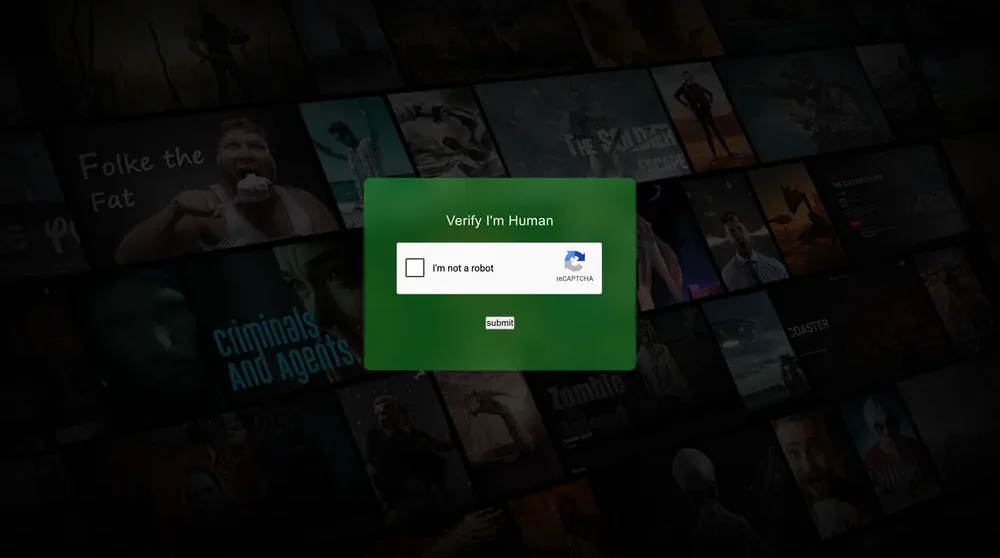
Open the working URL in any browser
Launch Chrome, Firefox, Edge or Brave on your PC and visit net22.cc. A simple Cloudflare "I'm not a robot" CAPTCHA appears once to filter bot traffic.
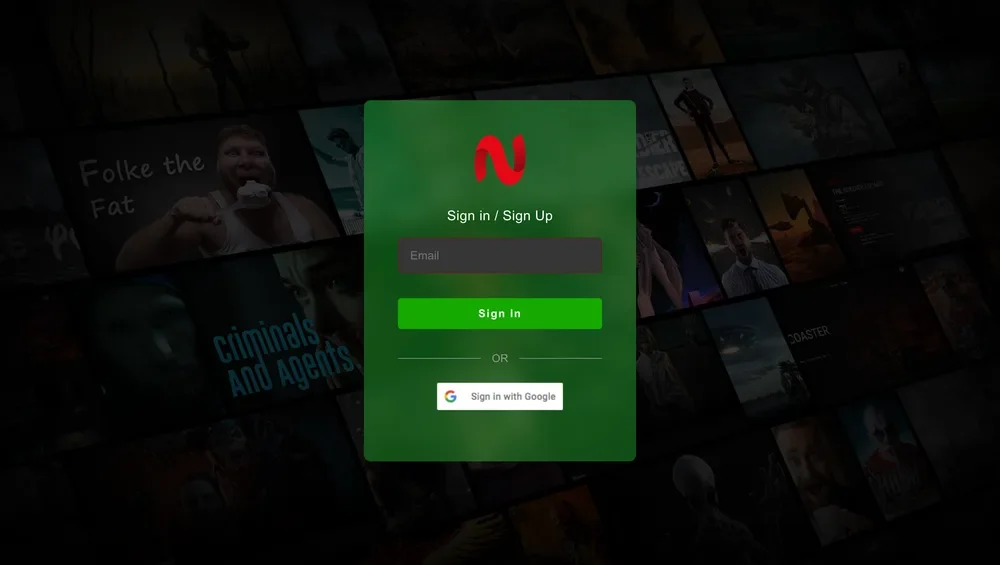
Sign In or Sign Up
Sign in with email or use the one-click "Sign in with Google" option. Email signup takes ~30 seconds — no credit card, no phone, no spam. Your watch progress syncs across all your devices.
Browse and stream in your browser
You're in. Top navigation has Home, TV Series and Movies. Featured Netflix titles like "If Wishes Could Kill" play instantly in the browser at up to 4K UHD. Use Chrome's built-in PiP and Cast to TV via Chromecast.
Bookmark our URL tracker — one-click access whenever the URL rotates.
Works on Every Modern Browser
Recommended for the smoothest 4K playback and full feature support.
Chrome
Recommended ⭐
Firefox
Excellent privacy
Edge
Native HDR support
Brave
Built-in ad-block
Internet Explorer is not supported. Safari on Windows (discontinued) is also unsupported — use Chrome instead.
Big-Screen Features for Desktop
4K UHD with HDR10
Full 4K Ultra HD streaming with HDR10 on Chrome and Edge with hardware acceleration enabled. Crystal clear on 27"+ monitors.
Chromecast One-Click
Click the Chrome cast button → pick your Chromecast or Chromecast-built-in Smart TV → video plays on the TV with PC controlling.
Picture-in-Picture
Right-click the playing video twice (or use the player overlay) to pop it out into a draggable floating window. Multitask while you watch.
Multi-Language Audio
Switch between English, Tamil, Telugu and Hindi tracks on the same Hollywood title — the same USP that defines NetMirror on every platform.
Cross-Device Sync
Watch progress, watchlist and search history sync across all devices through your email account. Resume on phone what you started on PC.
No Tracker, No Pixel
Browser version uses no third-party analytics, no Facebook pixel, no behavioural profiling. Just streaming.
Common Windows / Browser Issues
"Site can't be reached" / DNS error
Current URL is blocked by ISP. Get the latest from the working-URL tracker, or try a VPN like NordVPN.
Video won't play / black screen
Disable browser extensions (especially ad-blockers and DRM blockers). Enable hardware acceleration in browser settings.
Endless CAPTCHA loop
Clear site cookies. Try a different browser (Brave or Firefox). Sometimes Cloudflare gets aggressive — VPN helps.
Forgot signup email
On the sign-in screen, click "Forgot password" or use the Google sign-in if you signed up that way originally.
Can't cast to TV
Make sure your PC and TV are on the same Wi-Fi. Update Chrome to latest. Restart router and Chromecast device.
4K not available
Enable hardware acceleration in browser settings. Make sure your monitor and HDMI cable support 4K. Try Chrome or Edge for best 4K support.
Still stuck?
Use NetMirror on Other Devices
Same library, every device. Sign in with the same email on PC, Mac and Smart TV — your watch progress syncs.
Windows PC FAQ
Common questions about running NetMirror on a Windows PC.
Does NetMirror have a desktop app for Windows?
Why does the PC version need email signup when Android does not?
Which Windows versions does NetMirror support?
Can I install NetMirror via BlueStacks or other Android emulators?
The current URL stopped working — how do I find the new one?
Is the website safe? My antivirus is warning me.
Can I watch in 4K UHD on my PC?
How do I cast from my PC to a TV?
Does Picture-in-Picture work on PC?
Will using NetMirror on my work computer get me in trouble?
Can I download movies for offline viewing on PC?
Is using NetMirror on PC legal?
Two minutes to NetMirror in your browser
Open net22.cc, sign in with email or Google, and start streaming. Always-current URL on the dedicated tracker page.