NetMirror on Mac — Safari-native streaming
Stream the full NetMirror library — 500K+ movies, web series and live TV — directly in Safari, Chrome or Firefox on your Mac. No software installation, no Mac App Store hoops. Sign in once with email or Google, AirPlay to Apple TV, and watch.
net22.cc in Safari. URL changes monthly — always-current URL here.

Why Safari Instead of a Mac App?
NetMirror could ship a notarised .dmg Mac installer, but the team chose a browser-only approach for three solid reasons. First: zero install footprint. You never download, update or uninstall anything — open the URL, sign in, watch. The same URL works on a fresh M3 MacBook Air, an old Intel iMac or a borrowed Mac at a co-working space. Second: instant rollouts. New features ship server-side, so you never get the "please update" prompt mid-binge. Third: it sidesteps Apple's App Store guidelines that would otherwise block a streaming-aggregator listing.
Safari on Mac is uniquely good for video. Apple's WebKit engine taps directly into the Apple Silicon hardware video decoder, so 4K HDR playback consumes only 2-4 watts on M-series MacBooks. Battery life often beats native streaming apps. AirPlay to Apple TV is built-in — no extra setup, no third-party software. Picture-in-Picture works at the operating-system level: a tiny floating window that stays on top of any other app, even Mission Control.
If you really prefer a native-app feel, Safari has "Add to Dock" (Share menu → Add to Dock) which creates a dedicated app-like icon that opens NetMirror in its own window without browser chrome. Or use BlueStacks 5 (now Apple Silicon native) to run the NetMirror Android APK inside an emulator — gives you the full no-signup, offline-download Android experience on your Mac.
What you get
- 500K+ titles from Netflix, Prime, Disney+, Hotstar
- 4K UHD with HDR10 + Dolby Vision support on M-series
- Native AirPlay to Apple TV (one click)
- Picture-in-Picture at OS level
- 10-12 hour battery on M-series MacBooks
- Sync watch progress with iPhone, iPad, Apple TV
Honest limitations
- Email signup required (one-time, no payment)
- No proper offline downloads in browser
- URL changes every 4-6 weeks
- For full offline → use Android APK via BlueStacks
3 Steps to Streaming on Mac
Real screenshots from a fresh setup — open URL, sign in, watch. About two minutes total.
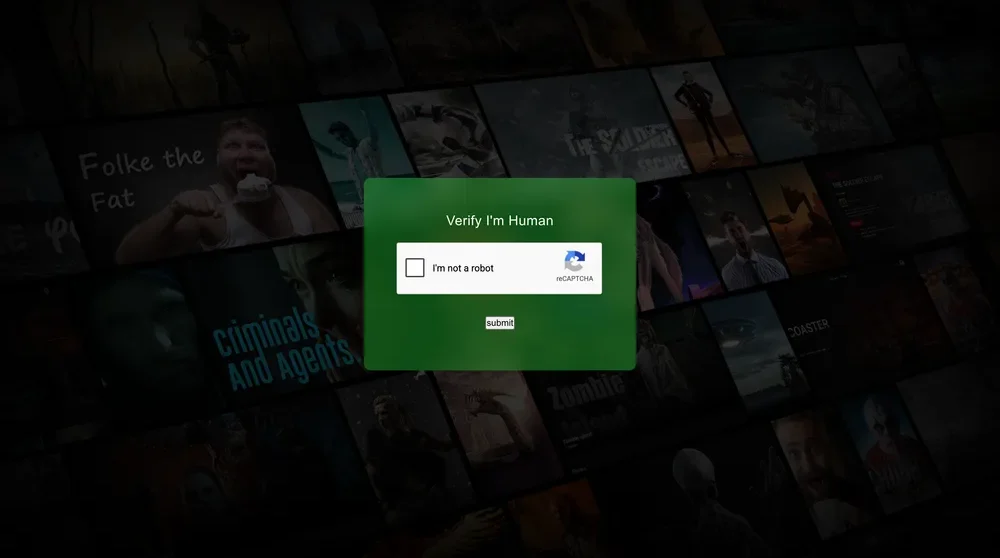
Open the working URL in Safari
Launch Safari, Chrome or Firefox on your Mac and visit net22.cc. A simple Cloudflare "I'm not a robot" CAPTCHA appears once to filter bot traffic. Safari is the most macOS-integrated, but every modern browser works.
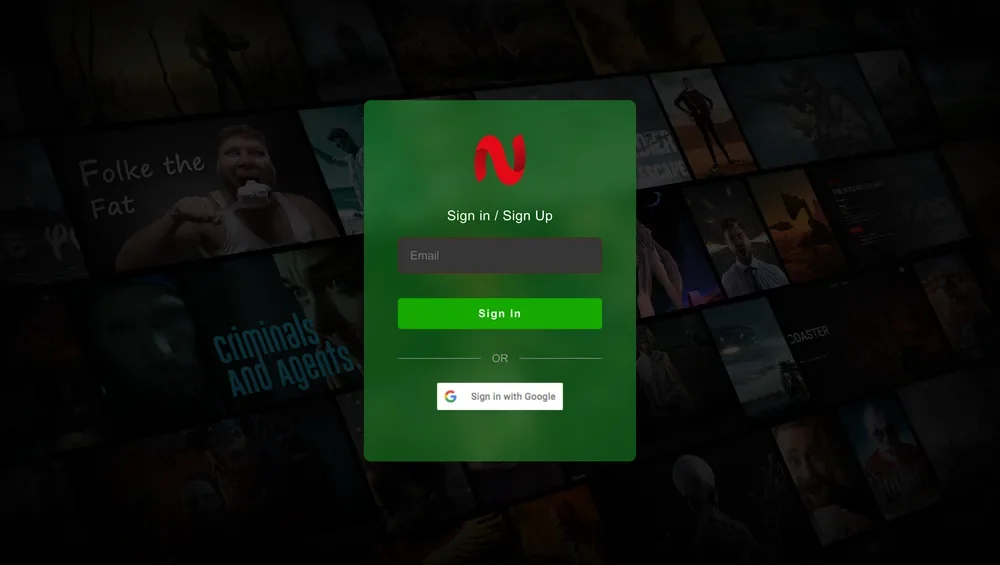
Sign In or Sign Up
Sign in with email or use one-click "Sign in with Google" if you already have a Google account. Email signup takes ~30 seconds — no credit card, no phone, no spam. Watch progress syncs across iPhone, iPad, Apple TV and Windows.
Browse and stream — AirPlay supported
You're in. Top navigation has Home, TV Series and Movies. Featured Netflix titles like "If Wishes Could Kill" play instantly at up to 4K UHD. Tap the AirPlay button in Control Center to beam to Apple TV — works inside Safari natively.
Use Safari\'s "Add to Dock" on the URL tracker page for one-click access.
Best Browsers on Mac
Safari is recommended for the best macOS integration, longest battery life and native AirPlay.
Safari
Recommended ⭐ Native AirPlay
Chrome
Best Chromecast support
Firefox
Excellent privacy
Brave
Built-in ad-block
Internet Explorer and old Edge Legacy are not supported. Use Safari or any modern Chromium-based browser.
Built for Mac, Optimised for Apple Silicon
Native AirPlay
Tap AirPlay in the macOS Control Center to beam any video to Apple TV, HomePod or AirPlay 2 speakers. Works inside Safari with no extra setup.
4K UHD + Dolby Vision
Full 4K Ultra HD streaming with HDR10 and Dolby Vision support on M-series MacBook Pro Liquid Retina XDR displays.
M-Series Native
Apple Silicon's dedicated video decoder handles 4K HEVC and H.264 in hardware. Streams at 2-4 watts vs 8-12 watts on Intel Macs.
Picture-in-Picture
macOS-level PiP — the floating video window stays on top of every other app, even when you switch Spaces or use Mission Control.
Multi-Language Audio
Switch between English, Tamil, Telugu and Hindi tracks on the same Hollywood title — same USP across all NetMirror platforms.
Apple Ecosystem Sync
Watch progress, watchlist and search history sync with iPhone (DODO), iPad and Apple TV through your email account.
Common Mac / Safari Issues
"Cannot find server" error
Current URL is blocked by ISP or DNS. Get the latest from the working-URL tracker, or try a VPN.
Video shows but audio is silent
Check the volume in the player AND in macOS menu bar. Some Macs route audio to a paired Bluetooth device by default.
AirPlay not appearing
Make sure your Apple TV and Mac are on the same Wi-Fi. Sign into the same Apple ID. Restart both devices if needed.
Safari blocking video
Safari → Preferences → Websites → Auto-Play → set NetMirror to "Allow All Auto-Play". Disable Pop-Up Blocker for the streaming domain.
Battery drains quickly
Switch from Chrome to Safari — Safari is significantly more energy-efficient on macOS. Lower video quality if needed.
Can't install BlueStacks for offline
Get BlueStacks 5 (Apple Silicon native) from bluestacks.com. Allow it in System Settings → Privacy & Security if Gatekeeper blocks first launch.
Still stuck?
Use NetMirror on Other Devices
Same library, every device. Sign in with the same email on Mac, iPhone and Apple TV — your watch progress syncs.
Mac FAQ
Common questions about running NetMirror on macOS.
Is there a NetMirror Mac app on the Mac App Store?
Does NetMirror work on Apple Silicon (M1, M2, M3, M4)?
Which macOS versions are supported?
Why does the Mac version need email signup when iOS DODO does not?
Can I AirPlay to Apple TV from my Mac?
How do I install NetMirror as a Dock app on Mac?
Will NetMirror trigger Mac's Gatekeeper or XProtect?
The current URL stopped working — what now?
Is the website safe? My Mac is showing a security warning.
Can I download movies for offline viewing on Mac?
How does battery life compare on M-series MacBooks?
Is using NetMirror on Mac legal?
Two minutes to NetMirror in Safari
Open net22.cc, sign in with email or Google, and start streaming. AirPlay built-in, M-series ready.